

Create image and video,
from a single prompt.
Art Studio turns a prompt into images or video across the best creative models from multiple providers — all in one place, paid from the same wallet, with the price in front of you before you create.
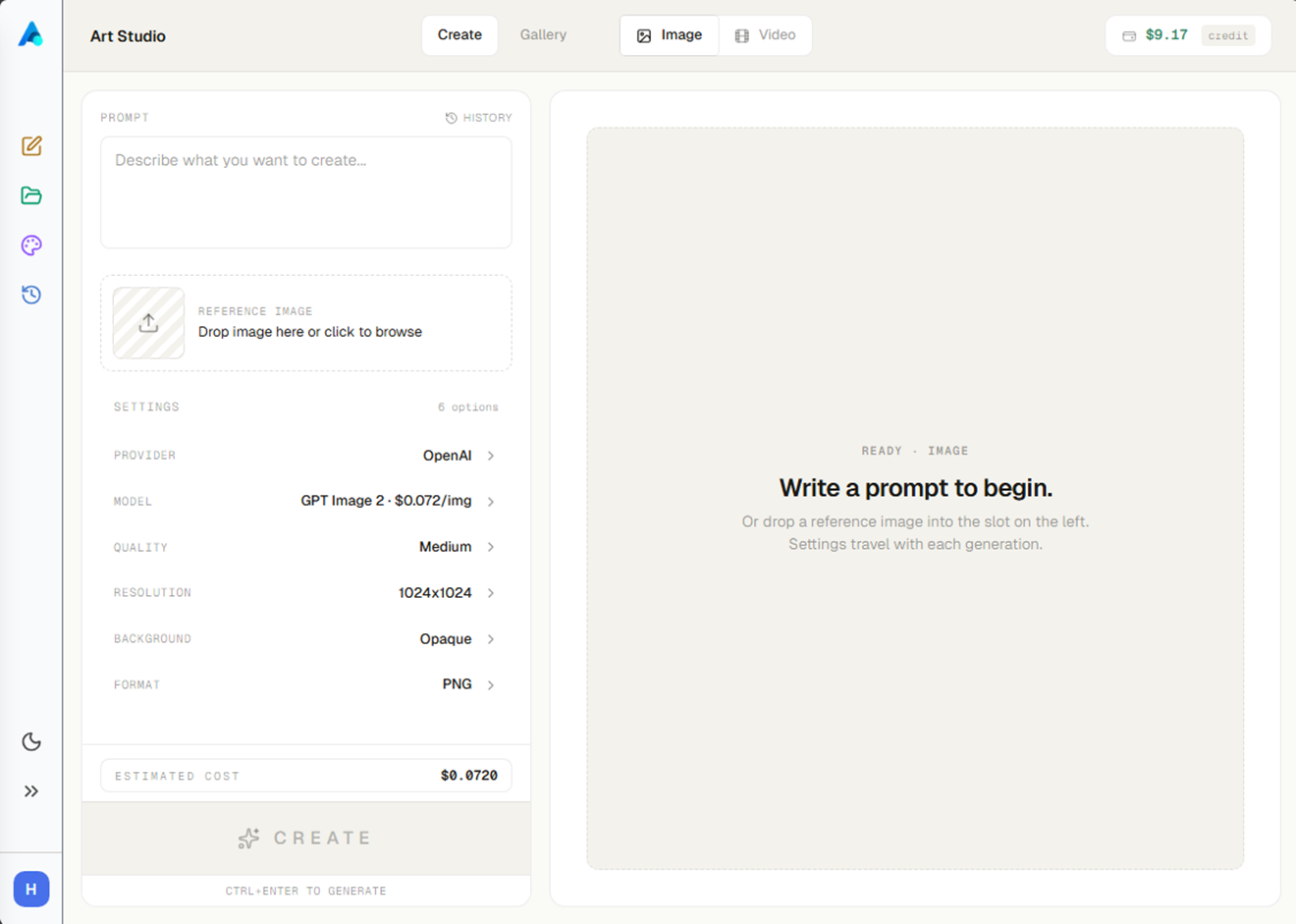
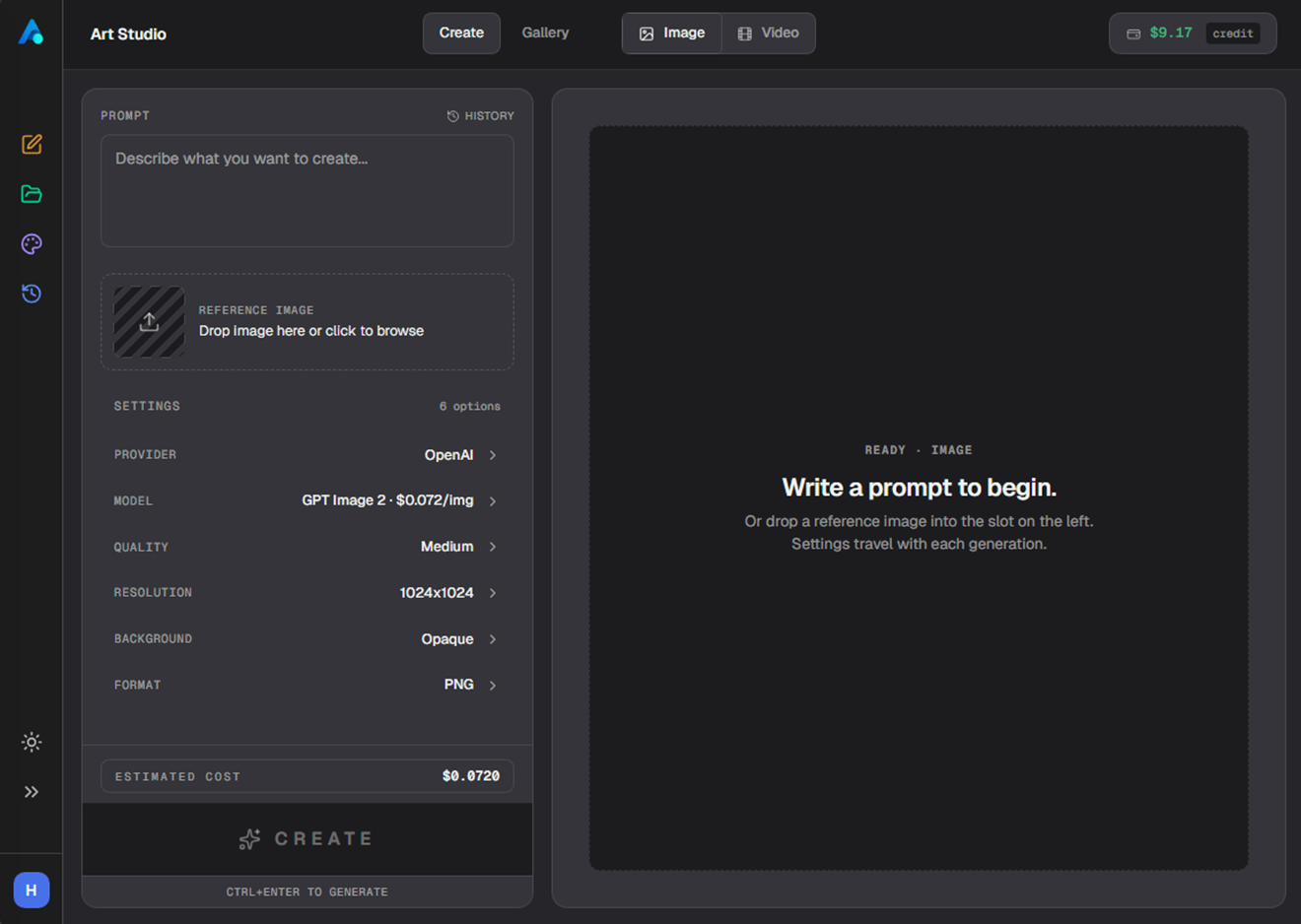
Describe it, or start from an image.
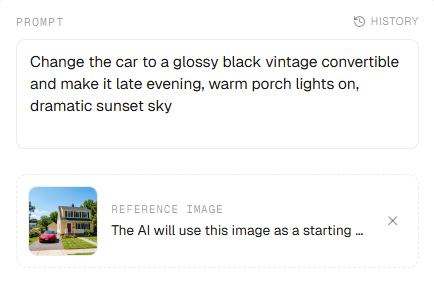
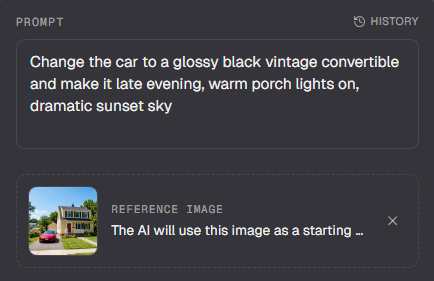
Type what you want in the prompt box and generate. To guide the result, attach a reference image and the model works from it — on the models that support it.
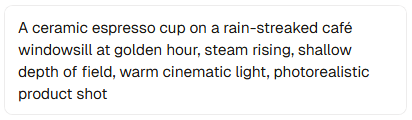
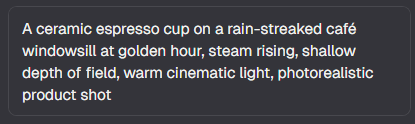
- PromptDescribe the image or video you want in plain language; the more specific you are, the closer the result.
- Reference imageDrag in an image to steer style or composition, or to edit it — supported on most models.
- GenerateCreate the result, then refine it or spin off variations without starting over.
Prompt
Reference
Every creative engine, one picker.
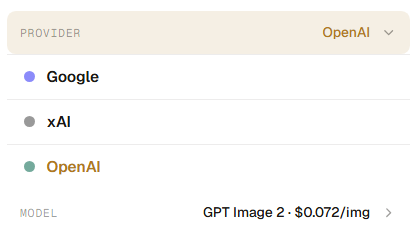
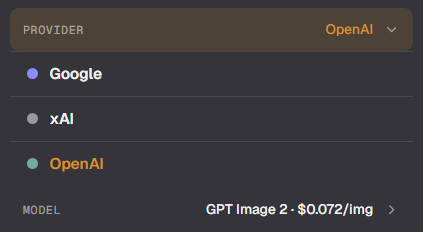
Pick your engine from the model picker. Art Studio brings together leading image and video models from several providers, so you can match the model to the job without leaving the page.
- ProvidersCreative engines from OpenAI, xAI, and Google today — with more added over time.
- ImagesA range of image models, from fast drafts to high-detail renders, each with its own strengths.
- VideoGenerate short video from a prompt, with the duration you choose; processing takes a few minutes.
- One pickerSwitch provider and model in a couple of taps — each option shows its own price, so the trade-off is always visible.
Controls that match the model.
Each model exposes its own options, so the controls change with your pick. Set what matters for the look you're after; anything a model doesn't support simply doesn't appear.
- Aspect ratioChoose the shape — widescreen, portrait, square and more — grouped by how you'll use it.
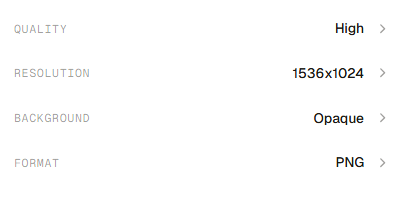
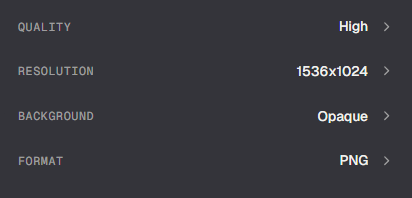
- QualityOn models that support it, trade speed for fidelity with a quality setting.
- ResolutionPick the output size wherever the model offers a choice.
- Transparent backgroundGenerate with a transparent background on models that support it — handy for logos and overlays.
- Reference imagesAttach a source image to guide or edit the result on most models.
See the price, then keep every result.
Art Studio is pay-as-you-go from your wallet — no subscription, no trial. You see the price before you commit, and everything you make is saved.
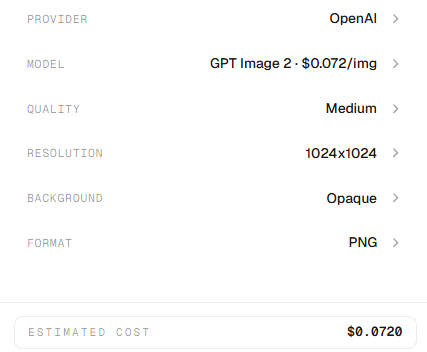
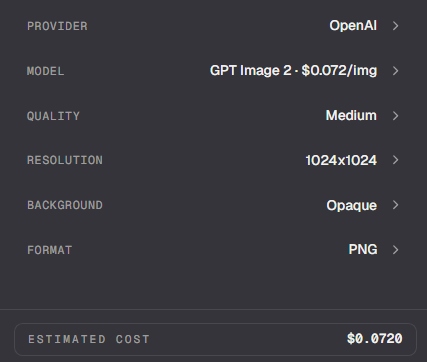
- Price in the pickerEvery model shows its own rate right in the picker, image or video.
- Live estimateA running cost estimate updates as you change settings, before you create.
- Actual costThe exact amount charged appears on every tile in your gallery.
- From your walletEach generation is paid from your wallet balance the moment it completes — the free trial doesn't cover creation.
- GalleryEvery image and video lands in your gallery, filterable and grouped by day.
- DownloadDownload any result at full quality, or save favourites to find them fast.
Switch modes from the top bar.
The bar across the top is where you choose what you're doing — make something or browse what you've made, and switch the kind of thing you're generating. The controls below follow along.
- Create vs GalleryCreate is where you make something new; Gallery is everything you've already made — switch anytime.
- Image vs VideoChoose what you're generating; the settings below adapt to the type you pick.
- Settings travelEach mode remembers its own settings between generations, so you don't reset them every time.